Your profile holds the settings that are yours alone. Open it by clicking your name at the bottom of the sidebar.
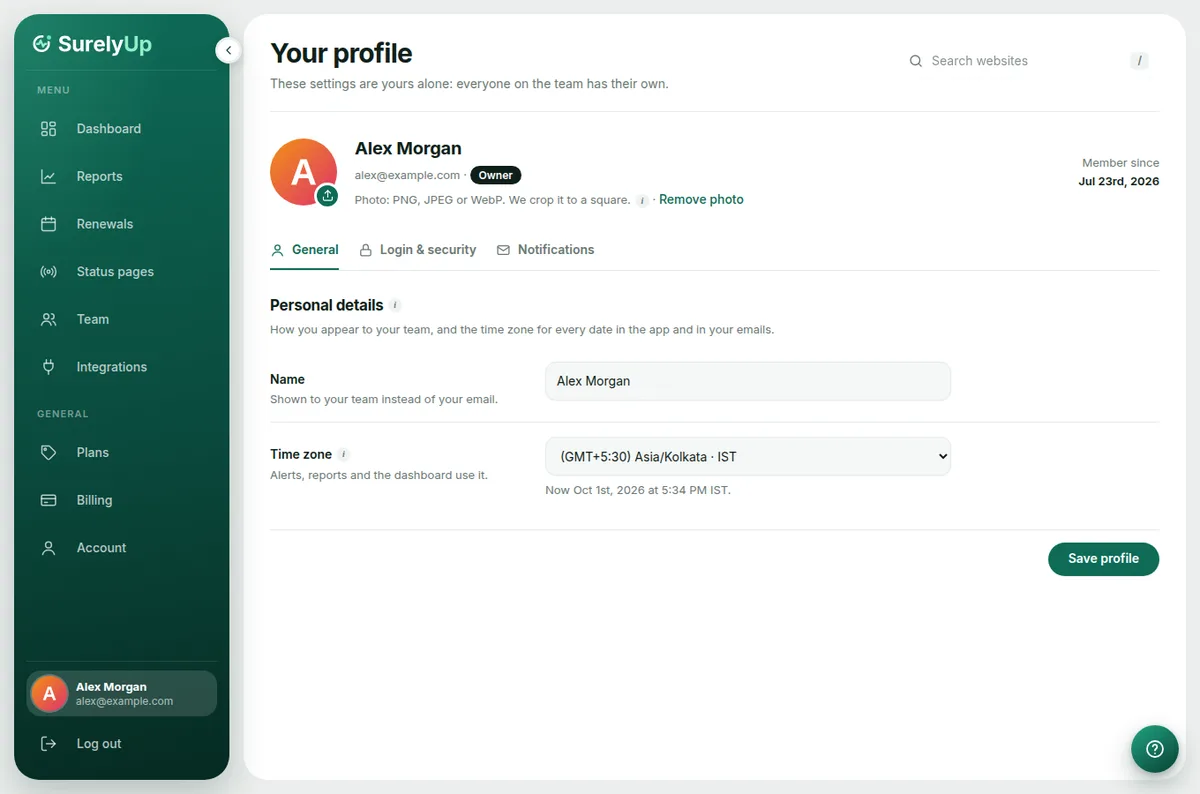
General
- Photo: click the round button on your picture to upload one. Your team sees it next to your name.
- Name: shown to your team instead of your email.
- Time zone: every date and time in the app and in your emails uses it.
Login and security
- Email address: a new address is confirmed first, so alerts never go to a typo. Your old address is told about the change.
- Password: changing it signs you out on your other devices.
Notifications
Which emails you get. See Alerts and emails.
Tip: Account settings (in the sidebar) are for the whole account, like deleting it. Your profile only changes things for you.